Blocks 1.5M+ known scam and phishing sites.
A free Chrome extension that blocks fake banks, phishing emails, tech support scams, and more. All blocking happens on-device — private by design.
Available on the Chrome Web Store · Installs in 10 seconds · No data collected
This website may try to steal your personal information.
Chrome Safe Browsing catches some threats. Here's what it doesn't.
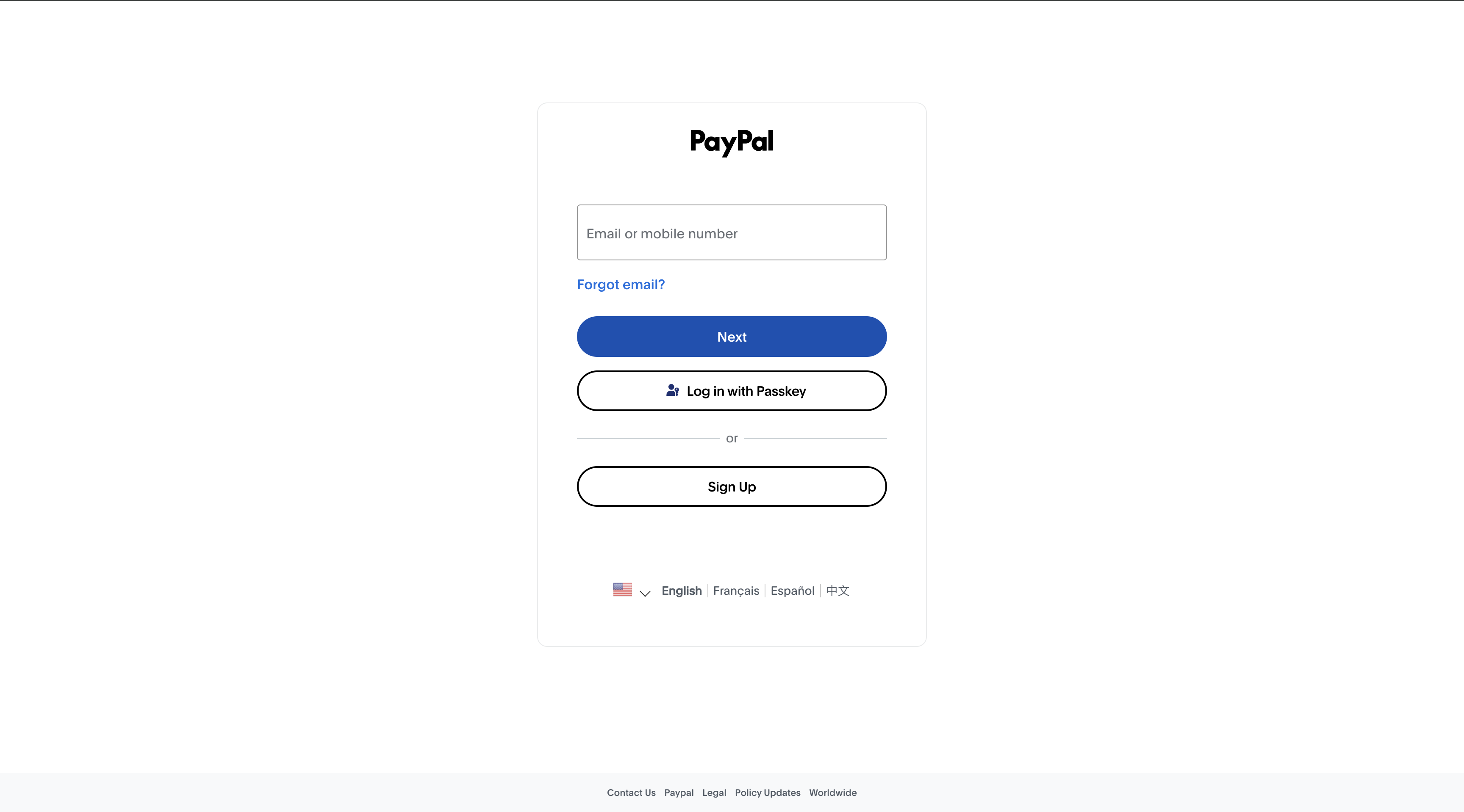
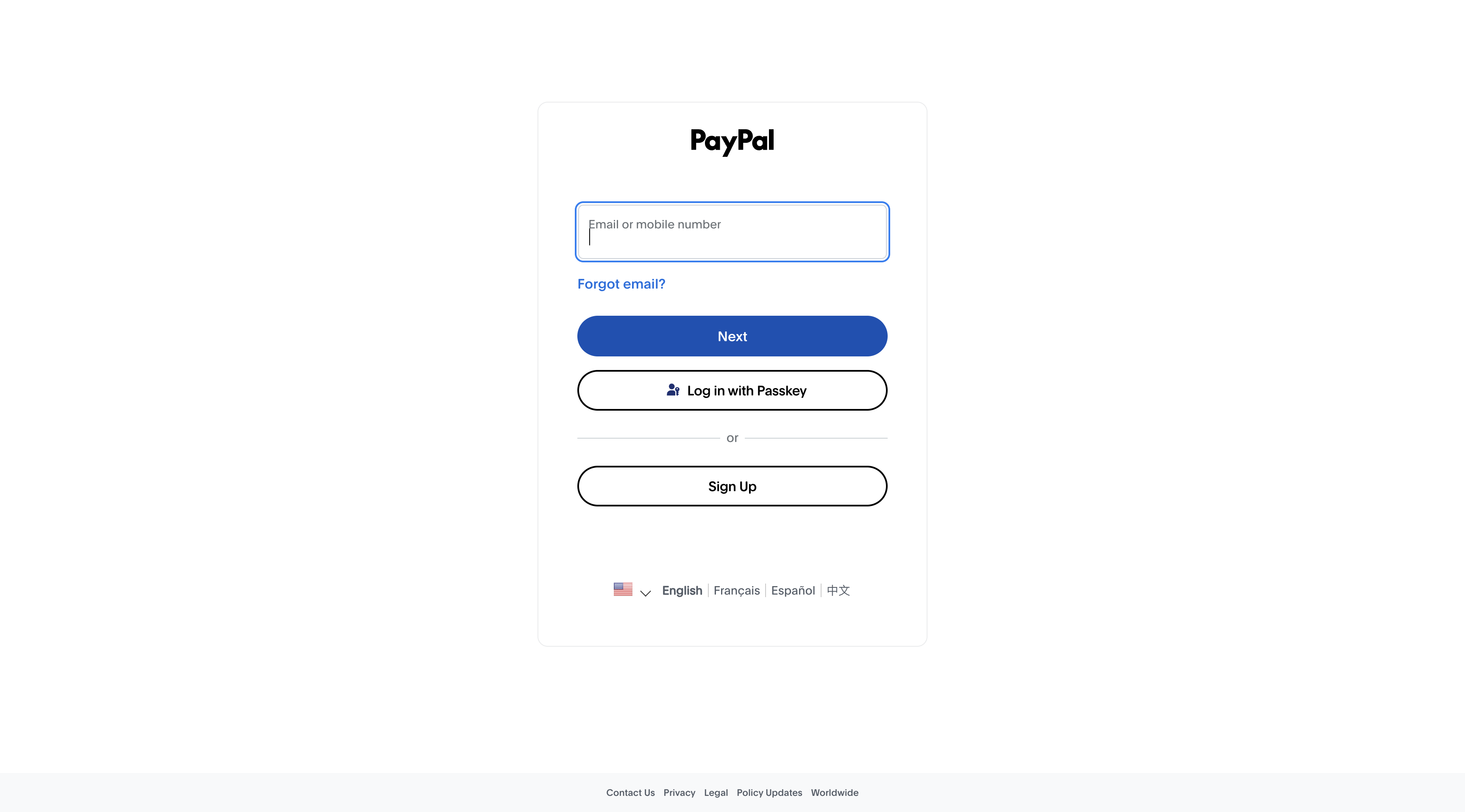
These fake login pages fool millions of people every year. Can you tell which is real?
Real PayPal
Fake - Blocked by SafeBrowse360
Can you tell the difference? Most people can't. SafeBrowse360 blocks the fakes automatically.
Protection in under a minute
Add SafeBrowse360 from the Chrome Web Store. It starts blocking scams, phishing, and malware sites immediately -- no account needed.
Every page you visit is checked against our 1.5M+ threat database. Dangerous sites are blocked before they even load.
Share one code with up to 4 family members. See who's protected from your dashboard and get alerts when someone encounters a threat.
Protecting every generation from the scams that target them
Sites that look like real banks but steal login credentials
Links in emails claiming to be from Amazon, Netflix, or the IRS
Fake virus warnings that trick people into calling scammers
"You've won!" sites that steal payment info for fake prizes
Fake Roblox, Fortnite, and V-Bucks sites targeting kids
Fake exchanges and wallet sites stealing cryptocurrency
Chrome's Safe Browsing catches some threats, but it misses a lot -- especially new phishing sites, crypto scams, and targeted fraud. SafeBrowse360 uses a 1.5M+ domain database from multiple threat intelligence sources (PhishTank, OpenPhish, URLhaus) that's updated far more frequently. Plus, you get a dashboard to manage protection across your family's devices, scam alerts, and the ability to warn family members by email.
When you create an account, you get one 6-character activation code. Share it with up to 4 family members. Each person installs the Chrome extension and enters the code to activate protection on their device. You can see all connected devices in your dashboard.
From your dashboard, click "Add a family member" and enter their email. We'll send them an email with the activation code and step-by-step instructions. They just install the extension and enter the code -- takes about a minute.
No. The extension uses Chrome's built-in declarativeNetRequest API, which blocks threats before pages even start loading. There's zero performance impact.
No. All blocking happens locally on the device. We never see, store, or transmit what sites anyone visits. Your dashboard shows device connection status and threat counts, but never specific URLs.
Yes, SafeBrowse360 is completely free. Install it, and you're protected immediately. No account required, no credit card, no catch.
The blocked page has an "Allow for 10 minutes" option. You can also report false positives from the extension, and we'll review them to improve our database.
Install in seconds. No account needed. No data collected. Just protection.
Add to Chrome — FreeInstalls in 10 seconds · No data collected